
MCW Registration: How to Create Your Account Step by Step
Creating an MCW account takes about two minutes from your phone or computer. The short version: open the registration form from the sign-up button, enter a username and password, add your mobile number, confirm the one-time code sent to you, and your account is live. Once verified, you can deposit in taka and start playing straight away. The sections below walk through each step, the eligibility rules, the verification process, the errors that most often block new signups, and what to do once your account exists.
Before You Register: What You Need Ready
Having these three things ready before you open the form prevents most failed signups:
- A mobile number you control. Registration and account recovery are tied to your phone. Use your own active SIM, not a borrowed number, because password resets and security codes will go there for the life of the account.
- A unique username and a strong password. Pick a username you have not used on any betting site before, and a password of at least 8 characters mixing letters and numbers. Do not reuse your mobile banking or bKash PIN-style passwords.
- Your real name as it appears on your payment accounts. Withdrawals are paid to accounts in the account holder's name. A mismatch between your MCW profile name and your bKash, Nagad, or bank details is the single most common reason first withdrawals get held up.
Eligibility: Who Can Open an MCW Account
Three rules decide whether you can register and keep the account:
- Age: You must be at least 18 years old. Date-of-birth details are checked during identity verification, and accounts found to belong to minors are closed with balances forfeited.
- One account per person: MCW, like every serious betting platform, allows a single account per player. Duplicate accounts registered with different phone numbers or spellings of your name are detected through device, payment, and identity data, and can lead to all linked accounts being suspended. If you already have an account, use the MCW sign in page and the recovery option there instead of creating a second one.
- Accurate personal details: The name and date of birth you enter must match the documents you will later use for identity verification. Registering under a nickname or a friend's identity creates an account you cannot fully verify or withdraw from.
How to Register on MCW: Step-by-Step
- Open the official site or app. Go to the MCW homepage from a trusted source and tap the registration or sign-up button, usually at the top of the screen. Avoid registration links sent by strangers in messaging apps.
- Choose your username and password. Enter a username that is not already taken and set your password. Store the password somewhere safe before continuing.
- Enter your mobile number. Use your own active Bangladeshi number. Double-check the digits before submitting, because the verification code goes to this number.
- Select your currency. Choose BDT (taka) so deposits and withdrawals display correctly. Currency is usually fixed after registration, so pick carefully rather than planning to change it later.
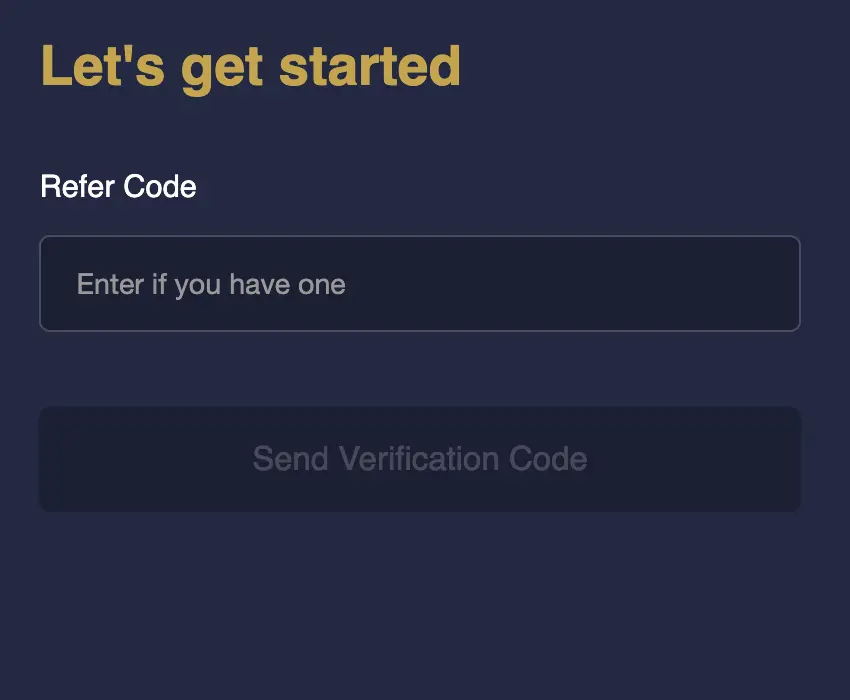
- Add a referral or promo code if you have one. If a friend or promotion gave you a code, enter it now. Most codes cannot be applied after the account is created.
- Confirm the one-time code (OTP). A code is sent by SMS to the number you entered. Type it into the verification field within the time limit shown on screen.
- Submit and log in. Once the code is accepted, your account is active. Log in with your new username and password and complete your profile details in the account section.
The whole flow normally takes two to five minutes. If the OTP does not arrive or the form rejects your details, the troubleshooting table below covers the fix.
Phone Verification and OTP: How It Works
Phone verification serves two purposes: it proves the number belongs to you, and it becomes your recovery channel if you ever lose access. The code typically arrives within a few seconds and expires after a short window, usually a few minutes. If the code expires, request a new one rather than guessing. Multiple wrong attempts can temporarily lock the verification step.
After registration, keep the SIM active. Even if you mostly play on Wi-Fi, an inactive or recycled number makes password recovery far harder later.
Identity Verification (KYC): When It Happens
Basic registration needs only your username, password, and phone number. Full identity verification usually comes later — most commonly before your first withdrawal, or when account activity triggers a security review. At that stage you may be asked for a photo of your national ID card or passport and sometimes a selfie for face matching. This is standard practice, not a sign of a problem. To make it painless:
- Register with your real legal name from day one.
- Make sure your ID document is valid and not expired.
- Take document photos in good light with all four corners visible.
Common Registration Errors and How to Fix Them
| Problem | Likely cause | What to do |
|---|---|---|
| OTP never arrives | Network delay, DND filter, or wrong number | Check the number entered, wait 60 seconds, request a resend. If DND is active on your SIM, temporarily allow promotional SMS or try again later. |
| "Username already taken" | The name is in use by another player | Add digits or a variation. This does not mean you already have an account. |
| "Number already registered" | An account exists with this phone number | You probably signed up before. Do not create a duplicate — use the login page's forgot-password flow to recover the existing account. |
| Form rejects the password | Too short or missing required character types | Use 8+ characters with a mix of letters and numbers; avoid spaces. |
| Page freezes or button does nothing | Browser cache, VPN interference, or connection drop | Refresh, clear cache, disable VPN, or switch to the mobile app or a different browser. |
| "Invalid promo code" | Expired or mistyped code | Registration works without a code — complete signup and check current promotions afterward. |
What Happens After Registration
Your account is usable immediately after phone verification. A sensible first-session checklist:
- Complete your profile. Fill in your full name, date of birth, and email if the account section asks for them. Verified, complete profiles face fewer withdrawal checks later.
- Explore before depositing. Browse the sportsbook, casino, and live sections to see what you actually want to play. The MCW overview page gives a full picture of the platform's products.
- Check the promotions page. New-player offers usually need to be claimed or opted into before or with your first deposit — read the wagering terms first so you know what you are accepting. Current MCW bonus offers are listed on the promotions page.
- Make your first deposit. Fund the account in taka through the cashier using a payment method in your own name.
Registration also works identically on mobile. If you prefer playing on your phone, the browser version is fully functional, or you can download the mobile app for quicker access — your login works across both.
Account Security From Day One
- Never share your password or OTP with anyone, including people claiming to be support staff. Real support never asks for your password.
- Log out on shared devices and avoid saving your password in browsers on phones others use.
- Bookmark the official site so you are not tricked by lookalike registration pages.
- If you suspect someone else accessed your account, change the password immediately and contact support.
Frequently Asked Questions
Immediately. Once your phone number is verified, you can log in, browse, deposit, and play. Only withdrawals may wait for identity verification.
Yes. The promo code field is optional. You can complete registration without one and still claim eligible promotions afterward from the promotions page.
No. Duplicate accounts risk suspension of both. Use the forgot-password option on the sign-in page to reset access via your registered phone number.
Currency is generally fixed at signup, so choose BDT from the start. Phone number changes are usually possible through support after identity confirmation.
No. Registration is free. You only spend money when you choose to deposit.
The most common triggers are duplicate accounts, mismatched personal details, or an OTP-verified number linked to an existing account. Contact support with your registered number to resolve it — do not register a third account.